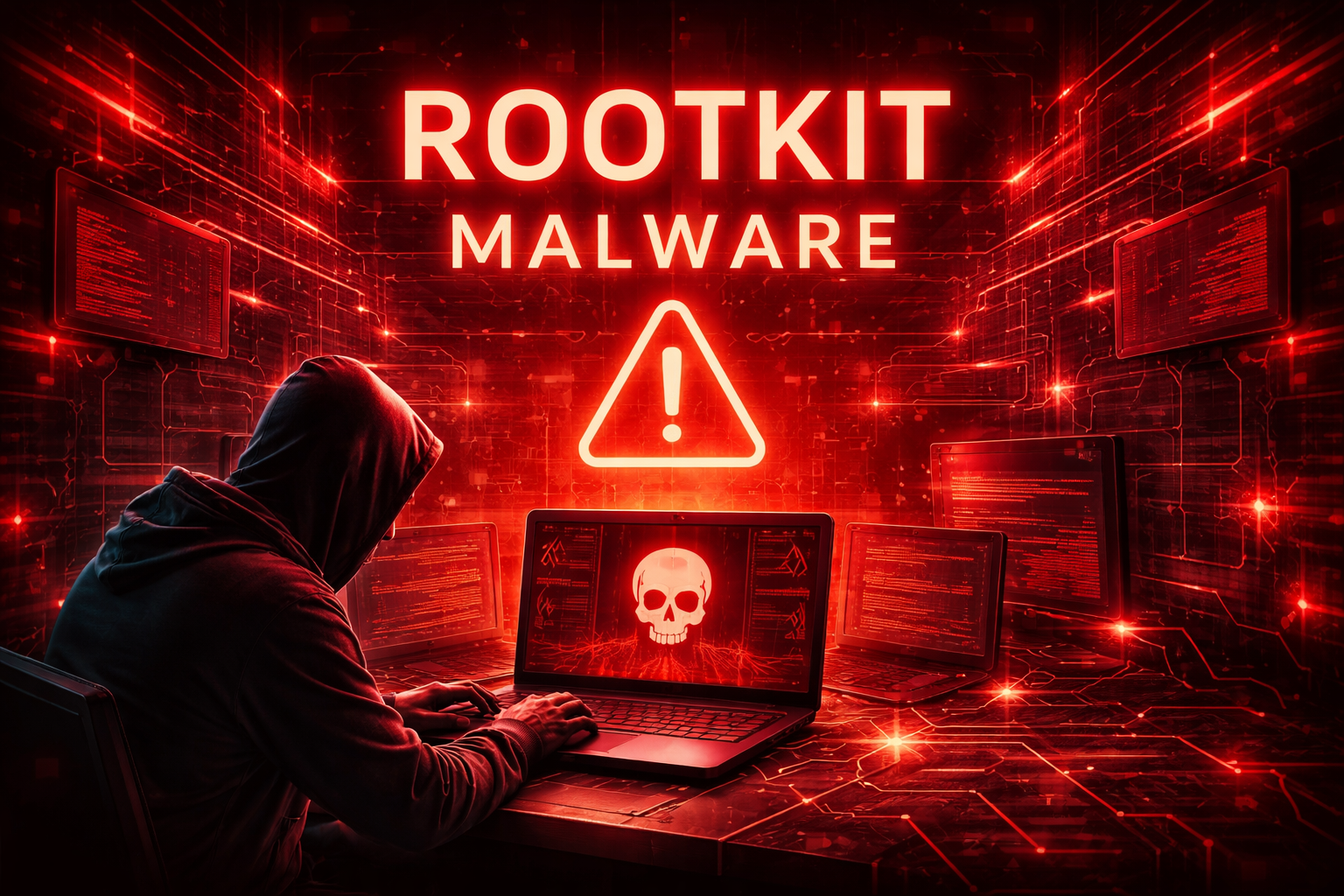
Cyber security ki duniya me malware ke kai types hote hain jaise Trojan, Ransomware, Spyware aur Worms, lekin in sab me se ek sabse dangerous malware hai Rootkit Malware. Rootkit attackers ko victim ke system par hidden access provide karta hai aur system ko control karne ki capability deta hai.
Rootkits ka sabse dangerous feature ye hai ki ye system me chup kar kaam karte hain aur detect karna bahut mushkil hota hai. Isi wajah se cyber criminals rootkits ka use karke long-term system control maintain kar sakte hain.
Is article me hum detail me samjhenge:
- Rootkit malware kya hota hai
- Rootkit kaise kaam karta hai
- Rootkit ke types
- Real world rootkit examples
- Rootkit attack se kaise bacha ja sakta hai
Agar aap cyber security seekh rahe hain ya malware attacks ko samajhna chahte hain to ye guide aapke liye bahut useful hogi.
Rootkit Malware Kya Hota Hai?
Rootkit ek type ka malicious software (malware) hota hai jo attacker ko victim ke computer ya system par unauthorized access aur control provide karta hai. Rootkit ka main purpose hota hai system me hidden rehna aur attacker ko remote access dena.
Rootkit word do words se bana hai:
Root + Kit
- Root ka matlab hota hai system ka highest privilege access
- Kit ka matlab hota hai tools ka collection
Iska matlab hai tools ka ek set jo attacker ko system ka full control deta hai.
Rootkits system ke andar install ho kar:
- malicious processes hide karte hain
- antivirus detection se bachne ki koshish karte hain
- attackers ko remote access dete hain
Rootkit Malware Kaise Kaam Karta Hai?
Rootkit malware ka working process kaafi sophisticated hota hai. Ye system ke core level par operate karta hai.
Rootkit attack generally 4 stages me kaam karta hai.
1. Initial Infection
Sabse pehle attacker victim ke system me malware install karta hai. Ye infection kai tariko se ho sakta hai:
- phishing emails
- malicious downloads
- infected websites
- software vulnerabilities
Kabhi-kabhi rootkit Trojan malware ke through bhi system me install ho jata hai.
2. Rootkit Installation
Malware install hone ke baad rootkit system ke important parts me integrate ho jata hai jaise:
- operating system kernel
- system drivers
- boot loader
Ye integration rootkit ko deep level access de deta hai.
3. Hiding Mechanism
Rootkit ka sabse important feature hota hai stealth capability. Ye apne malicious files aur processes ko hide kar deta hai taaki:
- antivirus detect na kar sake
- user ko suspicious activity na dikhe
Rootkits system logs aur processes ko manipulate bhi kar sakte hain.
4. Remote Control
Rootkit install hone ke baad attacker system ko remotely control kar sakta hai. Attacker:
- data chura sakta hai
- additional malware install kar sakta hai
- system ko botnet ka part bana sakta hai
Rootkit Malware Itna Dangerous Kyu Hota Hai?
Rootkit malware cyber security me dangerous mana jata hai kyunki:
1. Hidden Operation
Rootkits system me silently operate karte hain.
2. Hard to Detect
Traditional antivirus software ke liye rootkits detect karna difficult hota hai.
3. Full System Access
Rootkits attacker ko administrator ya root level access de sakte hain.
4. Long-Term Control
Attackers system par long time tak control maintain kar sakte hain.
Rootkit Malware Ke Types
Rootkits kai types ke hote hain jo system ke different levels par kaam karte hain.
1. Kernel Rootkit
Kernel rootkit operating system ke kernel level par operate karta hai. Kernel OS ka core part hota hai.
Features:
- system processes manipulate kar sakta hai
- malicious activity hide kar sakta hai
- system control le sakta hai
Kernel rootkits sabse dangerous rootkits me se ek hote hain.
2. User Mode Rootkit
User mode rootkits operating system ke user level applications ko target karte hain.
Ye rootkits:
- application processes modify karte hain
- malicious programs hide karte hain
User mode rootkits kernel rootkits se thode kam dangerous hote hain.
3. Bootkit
Bootkit rootkit ka advanced form hota hai jo system ke boot process ko target karta hai.
Ye rootkits:
- boot loader ko modify karte hain
- system start hone se pehle activate ho jate hain
Isliye bootkits detect karna aur remove karna difficult hota hai.
4. Firmware Rootkit
Firmware rootkits hardware firmware ko infect karte hain.
Example:
- BIOS
- router firmware
- network devices
Firmware rootkits extremely dangerous hote hain kyunki ye OS reinstall karne ke baad bhi survive kar sakte hain.
5. Memory Rootkit
Memory rootkits system memory me operate karte hain.
Features:
- RAM me run karte hain
- system restart hone par disappear ho jate hain
Ye temporary hote hain lekin still dangerous ho sakte hain.
Rootkit Malware Ke Real World Examples
Cyber security history me kai rootkit attacks ho chuke hain.
1. Sony BMG Rootkit (2005)
Sony BMG rootkit ek famous incident tha jahan company ne apne music CDs me rootkit technology use ki thi.
Problem:
- rootkit automatically system me install ho jata tha
- users ko pata bhi nahi chalta tha
Is incident ne cyber security community me bahut controversy create ki.
2. Stuxnet Rootkit
Stuxnet ek advanced malware tha jo industrial control systems ko target karta tha.
Is malware me rootkit capabilities bhi thi jisse:
- malicious activity hide ho jati thi
- industrial systems manipulate kiye jate the
3. Necurs Rootkit
Necurs rootkit ek powerful malware family thi jo:
- spam campaigns
- ransomware distribution
ke liye use hoti thi.
Rootkit Malware Ke Signs
Agar system rootkit se infected ho jaye to kuch unusual signs dikh sakte hain.
Common symptoms:
- system slow ho jana
- unknown processes run hona
- antivirus disable ho jana
- unusual network activity
Lekin rootkits kabhi-kabhi completely invisible bhi ho sakte hain.
Rootkit Malware Ko Detect Kaise Kare?
Rootkit detection difficult ho sakta hai lekin kuch tools aur techniques help kar sakte hain.
1. Rootkit Scanner Tools
Specialized security tools rootkits detect kar sakte hain.
Example tools:
- GMER
- Rootkit Revealer
- Malwarebytes
2. Boot-Time Scan
Boot-time antivirus scan rootkits detect karne me helpful hota hai.
3. System Integrity Check
System files aur processes ko verify karna rootkit detection me help kar sakta hai.
Rootkit Malware Se Kaise Bache?
Cyber security me prevention sabse important hota hai. Rootkit infection se bachne ke liye kuch best practices follow karni chahiye.
1. Trusted Software Download Kare
Unknown websites se software download karna avoid kare.
2. System Update Rakhe
Operating system aur software updates install karna important hai.
3. Antivirus Use Kare
Reliable antivirus software malware detection me help karta hai.
4. Suspicious Emails Avoid Kare
Phishing emails malicious malware install kar sakte hain.
5. Firewall Enable Rakhe
Firewall unauthorized access ko block karta hai.
Rootkit Malware Remove Kaise Kare?
Agar system rootkit se infected ho jaye to kuch steps follow kar sakte hain.
1. Antivirus Scan
Trusted antivirus tools run kare.
2. Rootkit Removal Tools
Specialized rootkit removal software use kare.
3. System Reinstallation
Severe infection me operating system reinstall karna best solution hota hai.
Cyber Security Me Rootkit Attacks Ka Future
Cyber attacks time ke sath advanced hote ja rahe hain. Future me rootkits aur sophisticated ho sakte hain.
Possible trends:
- AI powered malware
- firmware level rootkits
- advanced stealth techniques
Isliye cyber security awareness aur protection tools ka use karna important hai.
Conclusion
Rootkit malware cyber security me sabse dangerous threats me se ek hai. Ye malware attacker ko victim ke system par hidden access provide karta hai aur malicious activities ko hide kar sakta hai.
Rootkits ko detect karna difficult hota hai lekin proper cyber security practices follow karke in attacks se bacha ja sakta hai. Strong antivirus, regular updates aur safe browsing habits rootkit infections ko prevent karne me help karte hain.
Agar aap cyber security seekh rahe hain to rootkit malware ko samajhna bahut important hai kyunki ye modern cyber attacks ka ek important part hai.
What’s Next?
Next Guide:
Spyware Kya Hota Hai? Types, Real Examples aur Prevention Guide (2026)
Important Note
Ye content sirf educational purpose aur cyber security awareness ke liye share kiya gaya hai. Bina permission kisi website ya system par testing karna illegal ho sakta hai.