Internet par jab bhi aap koi website open karte hain, login karte hain, message bhejte hain, ya online payment karte hain, tab aapka data directly aapke device se server tak travel karta hai. Yeh communication normally secure hota hai, lekin agar beech me koi attacker silently enter ho jaye aur communication ko intercept kar le, to situation dangerous ho sakti hai.
Isi type ke attack ko Man-in-the-Middle (MITM) Attack kaha jata hai.
Cyber security ke world me MITM attack ek bahut hi important aur powerful concept hai, kyunki yeh directly communication security ko target karta hai.
Is detailed guide me hum step-by-step samjhenge:
- MITM attack kya hota hai
- Yeh kaise kaam karta hai
- Network level par kya hota hai
- Real-world examples
- MITM ke different types
- HTTPS ka role
- Session hijacking ka connection
- Kaise detect kare
- Kaise prevent kare
- Students aur companies ke liye best practices
Yeh guide educational purpose ke liye hai aur defensive learning ke liye banayi gayi hai.
MITM Attack Kya Hota Hai?
Man-in-the-Middle attack ek aisa cyber attack hai jisme attacker do parties ke beech ke communication ko secretly intercept karta hai.
Yeh do parties ho sakti hain:
- User aur website server
- Do users
- User aur application
- User aur WiFi router
Normally communication aise hota hai:
User → Server
Server → User
Lekin MITM me communication aise hota hai:
User → Attacker → Server
Server ko lagta hai wo directly user se baat kar raha hai.
User ko lagta hai wo directly server se connected hai.
Lekin beech me attacker pura traffic dekh raha hota hai.
Isi wajah se ise “Man in the Middle” kaha jata hai.
Simple Real-Life Analogy
Maan lijiye aap kisi dost ko letter bhejte ho.
Normal case me:
Aap → Post Office → Dost
Lekin agar beech me koi letter ko open karke padh le, copy bana le, ya content change kar de, aur phir original recipient ko bhej de — to wo MITM jaisa hi scenario hai.
Online world me bhi aisa hi hota hai.
MITM Attack Ka Technical Working
Ab thoda technical understanding lete hain.
Internet communication TCP/IP protocol ke through hota hai. Jab aap website open karte hain, to aapka system server ke IP address se connect karta hai.
MITM attack me attacker do major cheeze karta hai:
- Interception (Traffic capture karna)
- Decryption / Manipulation (Data read ya modify karna)
Interception ke liye attacker network level vulnerability ka use karta hai.
Phase 1: Interception
Is phase me attacker ensure karta hai ki victim ka traffic uske through pass ho.
Yeh kaise possible hai?
- Fake WiFi hotspot
- ARP spoofing
- DNS poisoning
- IP spoofing
- Rogue access point
Attacker victim aur router ke beech fake identity create karta hai.
Phase 2: Decryption / Exploitation
Agar data unencrypted hai (HTTP), to attacker easily read kar sakta hai.
Agar HTTPS hai, to attacker:
- SSL stripping
- Fake certificate
- Downgrade attack
ka use kar sakta hai.
Agar successful hua to:
- Login credentials
- Cookies
- Banking details
- Personal data
steal ho sakta hai.
MITM Attack Sabse Common Kahan Hota Hai?
- Public WiFi networks
- Corporate networks (agar monitoring weak ho)
- Unsecured home routers
- Fake WiFi hotspots
- Compromised local networks
Airport, railway station, coffee shop WiFi sabse risky hote hain.
MITM Attack Ke Major Types
Ab hum detail me MITM ke important types samjhenge.
1. ARP Spoofing (Address Resolution Protocol Attack)
ARP network me IP address ko MAC address se map karta hai.
Normal situation:
Router ka IP → Router ka MAC address
ARP spoofing me attacker fake ARP reply bhejta hai:
Victim ko lagta hai attacker hi router hai.
Isse victim ka traffic attacker ke system se route hone lagta hai.
Ye local area network me common MITM technique hai.
2. DNS Spoofing (DNS Poisoning)
DNS website name ko IP address me convert karta hai.
Example:
google.com → 142.250.183.14
DNS spoofing me attacker victim ko fake IP address deta hai.
Victim ko lagta hai wo original site par hai, lekin wo fake malicious website hoti hai.
Login credentials easily steal ho jate hain.
3. SSL Stripping
SSL stripping me attacker HTTPS connection ko HTTP me downgrade karta hai.
User ko pata nahi chalta.
Connection unencrypted ho jata hai.
Attacker data read kar sakta hai.
4. HTTPS Spoofing
Attacker fake certificate generate karta hai.
Victim ke browser me certificate warning aa sakti hai.
Agar user ignore kare, to data attacker ko mil sakta hai.
5. Session Hijacking
Login hone ke baad server session cookie create karta hai.
Cookie me authentication token hota hai.
Agar attacker cookie capture kar le, to bina password ke login ho sakta hai.
Ye MITM ka advanced form hai.
6. Rogue WiFi Hotspot
Attacker fake WiFi create karta hai.
Example:
CoffeeShop_FreeWiFi
Airport_FreeInternet
User connect karta hai.
Attacker traffic sniff karta hai.
Ye real world me bahut common hai.
Real-World Example Scenario
Maan lijiye ek student public WiFi par login karta hai:
- Gmail
- Online banking
Agar WiFi compromised hai, attacker:
- Credentials capture kar sakta hai
- Email access le sakta hai
- Banking fraud kar sakta hai
Victim ko turant pata bhi nahi chalta.
MITM Attack Me Kaunsa Data Target Hota Hai?
- Email login
- Social media login
- Credit card details
- Bank credentials
- Personal chat
- Business data
- API keys
Sensitive data sabse valuable hota hai.
HTTPS Ka Role MITM Me
HTTPS encryption provide karta hai.
Agar proper SSL/TLS certificate use ho raha hai, to:
- Data encrypted hota hai
- Direct sniffing possible nahi hoti
Lekin:
- Fake certificate
- User ignorance
- Phishing
se risk fir bhi reh sakta hai.
VPN MITM Se Kaise Bachata Hai?
VPN encrypted tunnel create karta hai.
User → Encrypted tunnel → VPN server → Internet
Attacker local network me traffic read nahi kar pata.
Public WiFi par VPN use karna strong security practice hai.
MITM Attack Kaise Detect Kare?
Common warning signs:
- Browser me “Not Secure”
- Certificate error
- Unexpected redirects
- WiFi auto connect
- Slow network
- Login alerts from unknown device
Agar aapko unusual activity dikhe to alert ho jayein.
MITM Attack Se Kaise Bache? (Complete Prevention Guide)
Ab sabse important prevention section.
1. Public WiFi Me Sensitive Kaam Avoid Kare
Banking ya payment avoid karein.
2. VPN Use Kare
Especially public WiFi par.
3. HTTPS Check Kare
Lock icon check karein.
4. Certificate Warning Ignore Na Kare
Kabhi bhi browser warning ko ignore mat karein.
5. Two-Factor Authentication (2FA) Enable Kare
Even password leak ho jaye, login possible nahi hoga.
6. Firewall Enable Rakhe
System firewall active rakhein.
7. Software Update Kare
Security patches important hote hain.
8. Router Security Improve Kare
- Strong WiFi password
- WPA3 encryption
- Default credentials change kare
Businesses Ke Liye Advanced Protection
Companies ko:
- Intrusion Detection System (IDS)
- Network monitoring
- Secure DNS
- SSL pinning
- Zero trust architecture
- Regular security audit
implement karna chahiye.
Employee awareness training bahut important hai.
Ethical Hacking Perspective
Ethical hackers MITM technique ka use karte hain:
- Vulnerability test karne ke liye
- Network security check karne ke liye
- Penetration testing ke liye
Yeh sirf authorized environment me legal hota hai.
Unauthorized use cyber crime hai.
Legal Warning (India Context)
IT Act 2000 ke under:
- Unauthorized access
- Data interception
- Financial fraud
punishable offense hai.
Cyber crime me jail aur fine dono ho sakta hai.
Knowledge ka misuse career destroy kar sakta hai.
MITM vs Phishing Difference
MITM:
Network level interception
Phishing:
Fake website ya email trick
Dono dangerous hain lekin working alag hai.
Future of MITM Attacks (2026 Trends)
AI aur automation ke sath:
- Smarter phishing
- Deepfake voice attack
- Fake login portals
- Advanced certificate spoofing
Increase ho rahe hain.
Isliye awareness hi sabse bada defense hai.
Frequently Asked Questions (FAQ)
Q1: Kya MITM sirf public WiFi par hota hai?
Mostly public WiFi me common hai, lekin compromised private networks me bhi ho sakta hai.
Q2: Kya HTTPS 100% protection deta hai?
Strong protection deta hai, lekin user awareness bhi zaruri hai.
Q3: Kya VPN complete safety deta hai?
VPN strong layer deta hai, lekin phishing aur malware se alert rehna hoga.
Q4: Kaise pata chale WiFi safe hai?
Password protected ho, WPA3 use kare, certificate errors na ho.
Final Summary
Man-in-the-Middle attack ek serious cyber security threat hai jo communication ko target karta hai.
Is attack me attacker:
- User aur server ke beech enter hota hai
- Data intercept karta hai
- Credentials steal karta hai
- Session hijack karta hai
Protection ke liye:
- HTTPS use kare
- VPN use kare
- 2FA enable kare
- Public WiFi me alert rahe
- Router secure rakhe
Cyber security ka simple rule hai:
Secure communication = Safe digital life.
What’s Next?
Next Guide:
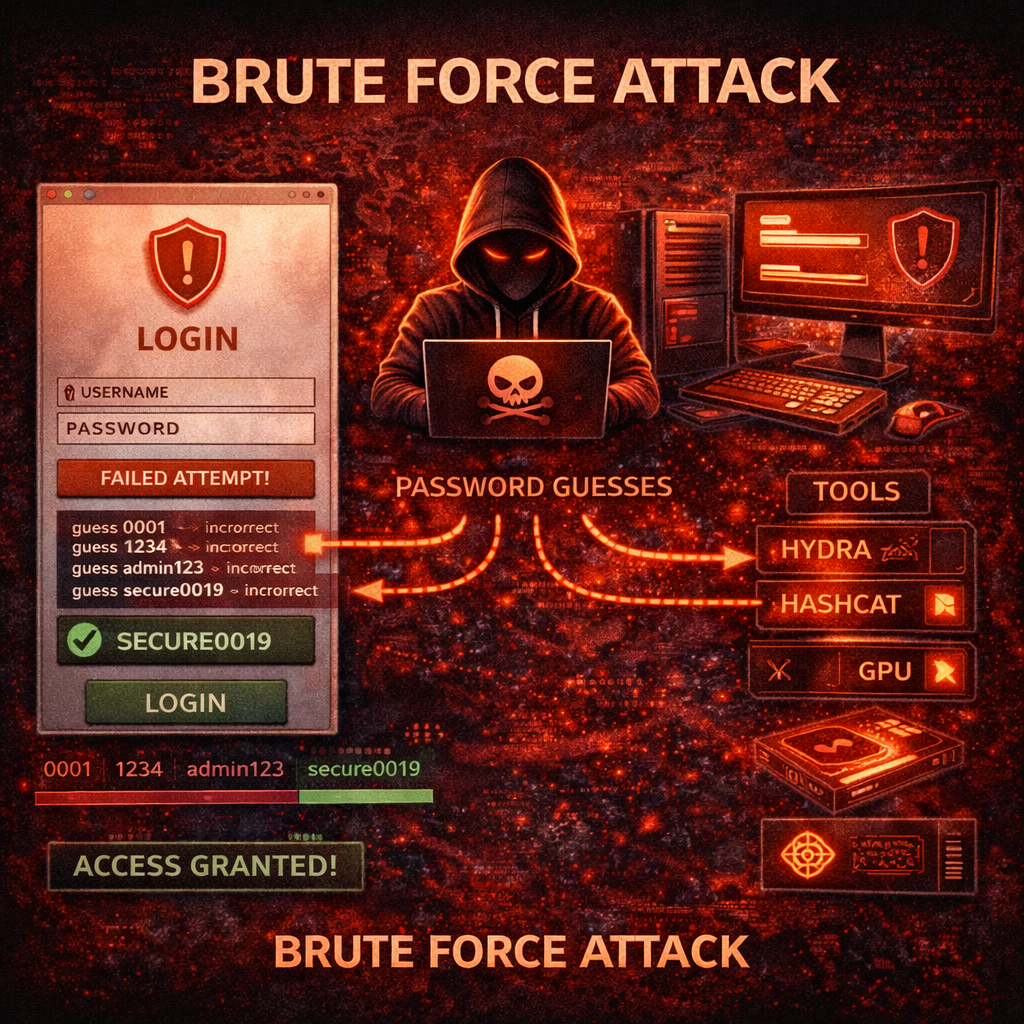
Brute Force Attack Kya Hota Hai? Working, Types, Tools aur Complete Prevention Guide (2026)
Important Note
Ye content sirf educational purpose aur cyber security awareness ke liye share kiya gaya hai. Bina permission kisi website ya system par testing karna illegal ho sakta hai.