

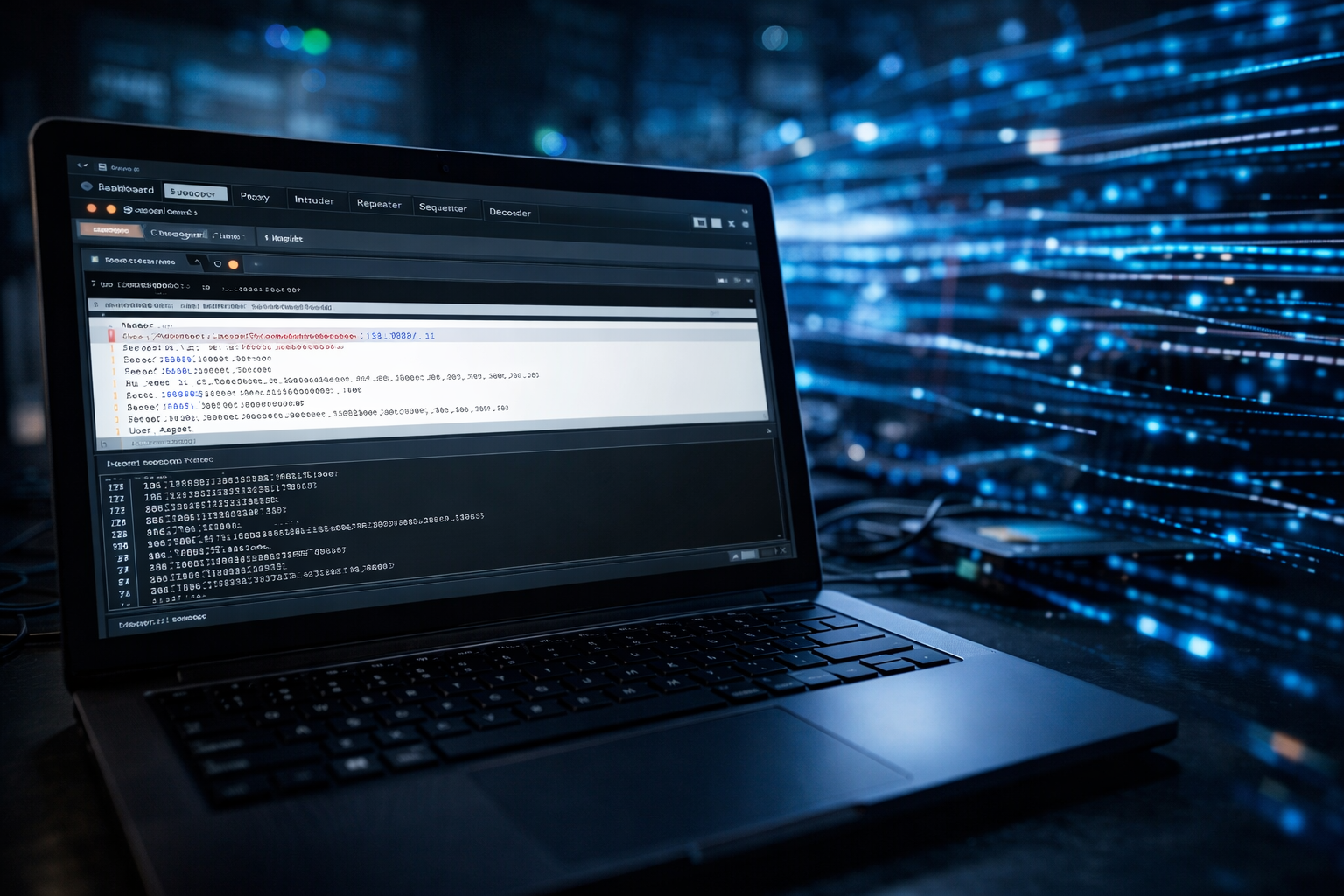
Burp Suite kya hai aur kaise use kare? Is beginner guide me web application security testing aur proxy intercept ko simple Hindi me samjhen.
Introduction
Agar aap ethical hacking ya cyber security seekh rahe ho, to aapne Burp Suite ka naam zaroor suna hoga. Jaise Nmap network scanning ke liye aur Metasploit exploitation ke liye use hota hai, waise hi Burp Suite web application security testing ka ek powerful tool hai.
Aaj kal zyada tar attacks websites aur web applications par hote hain. Isliye web security samajhna bahut zaroori hai. Burp Suite aapko website ke requests aur responses ko intercept karne, analyze karne aur vulnerabilities detect karne me madad karta hai.
Is beginner-friendly guide me hum step-by-step samjhenge:
- Burp Suite kya hai
- Kaise install kare
- Kaise setup kare
- Proxy kaise kaam karta hai
- Basic testing kaise kare
- Important tools ka use
Chaliye shuru karte hain.
Agar aapne pehle Nmap Kya Hai nahi padha hai to pehle wo guide zaroor dekhein.
Burp Suite Kya Hai?
Burp Suite ek web vulnerability scanning aur testing tool hai jo web applications ki security test karne ke liye use hota hai.
Simple language me:
Burp Suite ek aisa tool hai jo browser aur website ke beech jaane wale traffic ko capture aur modify kar sakta hai.
Isse aap dekh sakte ho:
- Kaun si request server ko ja rahi hai
- Server kya response bhej raha hai
- Kya koi vulnerability exist karti hai
Burp Suite ko PortSwigger company ne develop kiya hai.
Burp Suite Kis Liye Use Hota Hai?
Burp Suite ka use mainly:
- Web application penetration testing
- Vulnerability detection
- Input validation testing
- Session management testing
- Authentication testing
- Security analysis
ke liye hota hai.
Ye ethical hackers aur security professionals ka favourite web testing tool hai.
Burp Suite Ke Versions
Burp Suite 3 versions me available hai:
- Community Edition (Free)
- Professional Edition (Paid)
- Enterprise Edition
Beginners ke liye:
Community Edition enough hai.
Burp Suite Kaise Install Kare?
Windows Me Install
- Official website par jao
- Burp Suite Community download karo
- Installer run karo
- Installation complete karo
Kali Linux Me Install
Kali Linux me Burp Suite usually pre-installed hota hai.
Check karne ke liye:
burpsuite
Agar install nahi hai:
sudo apt update
sudo apt install burpsuite
Burp Suite Interface Samjhen
Jab aap Burp Suite open karte ho, aapko main dashboard dikhega.
Important tabs:
- Dashboard
- Proxy
- Target
- Intruder
- Repeater
- Sequencer
Har tab ka apna specific purpose hota hai.
Burp Suite Kaise Kaam Karta Hai?
Burp Suite ek proxy ke through kaam karta hai.
Normal flow:
Browser → Website
Burp flow:
Browser → Burp Proxy → Website
Isse Burp:
- Request intercept karta hai
- Modify karne ka option deta hai
- Forward karta hai
Burp Proxy Setup Kaise Kare?
Step 1: Burp Open Kare
Burp Suite start karo.
Step 2: Proxy Tab Me Jao
Proxy → Intercept → ON
Step 3: Browser Proxy Set Kare
Browser me proxy set karo:
IP: 127.0.0.1
Port: 8080
Ab browser ka traffic Burp se pass hoga.
Intercept Feature Kaise Use Kare?
Proxy tab me:
Intercept ON karo.
Browser me koi website open karo.
Burp me request show hogi.
Ab aap:
- Request modify kar sakte ho
- Forward kar sakte ho
- Drop kar sakte ho
Ye testing ke liye bahut useful hota hai.
Burp Target Tab Kya Hota Hai?
Target tab me:
- Site map show hota hai
- Website ke saare endpoints dikhenge
- Structure samajh aata hai
Ye reconnaissance ke liye useful hai.
Burp Repeater Kya Hota Hai?
Repeater allow karta hai:
- Same request ko multiple baar bhejna
- Parameter change karke test karna
- Server response compare karna
Example:
Login form test karte waqt useful.
Burp Intruder Kya Hota Hai?
Intruder automated testing ke liye use hota hai.
Isse:
- Password guessing
- Parameter fuzzing
- Input testing
kiya ja sakta hai.
Community edition me speed limited hoti hai.
Burp Sequencer Kya Hota Hai?
Sequencer session tokens ko analyze karta hai.
Ye check karta hai ki:
Session ID random hai ya predictable.
Basic Practical Example (Beginner Friendly)
Scenario: Login Form Test Karna
Step 1: Burp proxy ON karo
Step 2: Website login page open karo
Step 3: Username/password enter karo
Step 4: Intercept me request capture hogi
Ab aap:
- Username change karke test kar sakte ho
- Response analyze kar sakte ho
HTTP Request Structure Samjhen
Burp me request kuch aisi dikhti hai:
POST /login HTTP/1.1
Host: example.com
Content-Type: application/x-www-form-urlencoded
username=admin&password=1234
Isse aap dekh sakte ho:
- Method
- Headers
- Body
Burp Suite vs Wireshark
| Feature | Burp Suite | Wireshark |
|---|---|---|
| Web Traffic Focus | Yes | No |
| Packet Level Analysis | No | Yes |
| Proxy Based | Yes | No |
| Modify Requests | Yes | Limited |
Dono tools alag purpose serve karte hain.
Burp Suite vs Metasploit
| Feature | Burp Suite | Metasploit |
|---|---|---|
| Web App Testing | Yes | Limited |
| Exploit Framework | No | Yes |
| Vulnerability Scan | Yes | Yes |
| Proxy | Yes | No |
Safe Practice Environment
Kabhi bhi random website par testing mat karo.
Safe options:
- Localhost website
- DVWA (Damn Vulnerable Web App)
- OWASP Juice Shop
- Apna lab environment
Ethical hacking me permission sabse important rule hai.
Common Mistakes Jo Beginners Karte Hain
- Proxy setup galat karna
- Intercept off rakhna
- Random websites test karna
- Intruder ka misuse
- Legal rules ignore karna
Burp Suite Me HTTPS Kaise Handle Kare?
HTTPS test karne ke liye:
Burp certificate install karna hota hai browser me.
Proxy → Options → Import CA certificate
Isse encrypted traffic bhi capture hoga.
Burp Suite Me Vulnerability Scan
Professional version me automated scanner hota hai.
Community edition me:
Manual testing karna padta hai.
Pro Tips for Beginners
- Pehle sirf proxy aur repeater master karo
- Request structure samjho
- Headers padho
- Session handling observe karo
- Safe lab use karo
FAQs
Q1: Kya Burp Suite free hai?
Haan, Community Edition free hai.
Q2: Kya Burp Suite illegal hai?
Tool legal hai. Bina permission website test karna illegal ho sakta hai.
Q3: Beginner ko kya seekhna chahiye?
Proxy, intercept aur repeater.
Q4: Kya Burp Suite Kali Linux me available hai?
Haan, Kali Linux me easily install ho jata hai.
Learning Path Suggestion
Agar aap beginner ho:
- Nmap
- Wireshark
- Metasploit
- Burp Suite
Ye complete ethical hacking foundation banata hai.
Web traffic samajhne ke liye aap Wireshark Kya Hai guide bhi padh sakte hain.
Conclusion
Burp Suite web application security testing ka ek powerful aur widely used tool hai. Ye aapko website ke requests aur responses ko detail me analyze karne ki capability deta hai.
Agar aap beginner ho to pehle:
- Proxy setup
- Intercept
- Repeater
master karo.
Regular practice aur ethical boundaries follow karte hue aap web security testing me strong foundation build kar sakte ho.
What’s Next?
Next Guide:
SQL Injection Kya Hai? Hindi Guide (2026) (Beginner Guide)
Important Note
Ye content sirf educational purpose aur cyber security awareness ke liye share kiya gaya hai. Bina permission kisi website ya system par testing karna illegal ho sakta hai. Hamesha ethical tareeke se hi practice karein.



Pingback: SQL Injection Kya Hai Aur Kaise Kaam Karta Hai? Beginner Guide in Hindi (2026) - Tech Defances
Pingback: SQL Injection Kya Hai? Hindi Guide (2026) - Tech Defances
Pingback: XSS Kya Hai? Hindi Guide (2026) - Tech Defances